
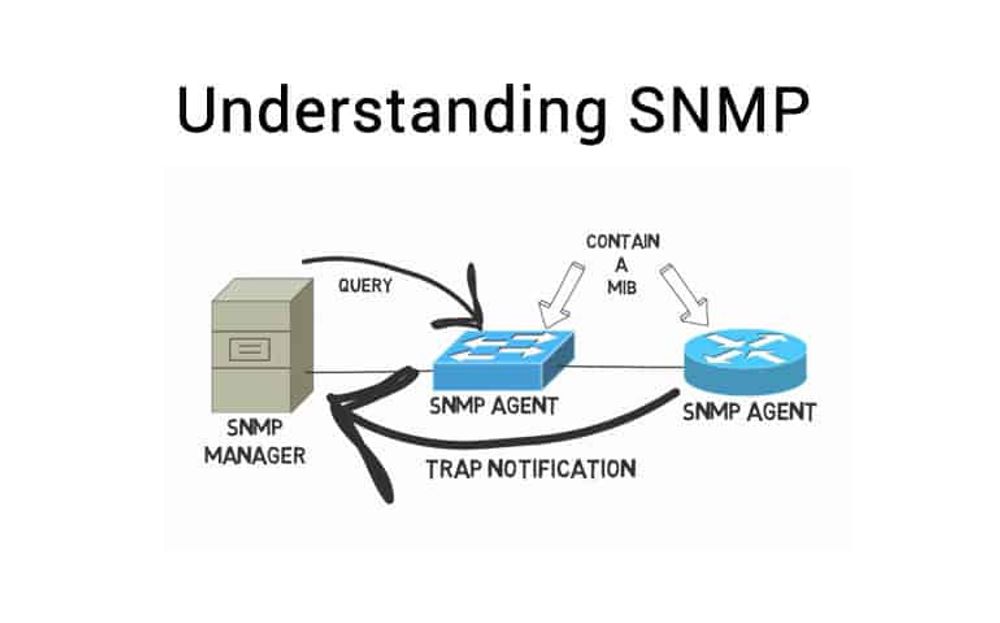
We’ve written previously about how public radio stations can use SNMP to measure their PRSS satellite receiver’s signal levels. Useful when snow is falling, sticking to the dish cover, and blocking those signals. Your SNMP manager can then turn on a dish heater to melt the snow, and that’s exactly what I’ve done at The Public’s Radio.
But with the FCC auctioning off a bunch of the C-band spectrum for 5G, and the old SFX4104 satellite receivers reaching “end of life”, new ATX XDS-PRO4S receivers were distributed to all PRSS member stations. Not only are they new receivers, but they are tuned to different frequencies AND the old frequencies have to be deliberately blocked by a filter to prevent future interference by 5G devices. Meaning the SFX4104’s just wouldn’t work anymore; they were “sunsetted” earlier in 2021.
Or were they?
Turns out while you can’t use them to get content anymore, the SFX4104 will still lock onto the new carrier. And that’s useful because the new ATX receivers only work with SNMP v3. There’s reasons for that, not least of which that v3 supports encrypted usernames and passwords while the older v1 and v2c standards do not. But the problem is that most broadcast-focused remote control systems do not support SNMP v3, if they support SNMP at all. Certainly the Burk ARC Plus Touch that TPR uses does not.
Side note: there are LITERALLY no devices out there that translate SNMP v1/v2c into v3 and back. There is one device from CSIMN.com (the Babel Buster BB4-8422) that comes close, but it’s really meant for other purposes and it is not inexpensive ($1400). You’d think something like this could be done on a Raspberry Pi for fifty bucks but so far I have yet to find it.
The new ATX receivers do at least have a contact-closure relay on the back, and you can set it to “alarm” on all sorts of things…including a user-specified Eb/N0 satellite signal level. Goes below that level? Relay closes. Goes back up? Relay opens. Pretty good for controlling a dish heater and props to PRSS for doing this (especially since your Intrepid Engineer complained long and loud about the lack of such an relay in previous hardware generations).
But even so, I liked my old SNMP-based system because it gave me a very useful tool: hysteresis. It was nice that it could read the C/N (not quite the same thing as Eb/N0, but close enough for the purpose of controlling a dish heater) and once the alarm threshold was crossed…wait a minute or two for it to stay below the alarm threshold before activating the dish heater. Really cuts down on the false alarms, lemme tell ya.
I already had kept a SFX4104 in my setup solely for LNB power purposes (PRSS recommended it for some of us as a diagnostic tool for some odd & intermittent issues some stations were having). So after unearthing an old email from PRSS on the topic, I decided to give it a shot – and it worked! Here’s what you need to change:
- Using a web browser, log into one of your XDS-PRO4S’s web GUI’s.
- Click Tuner along the top horizontal menu.
- Note the Frequency in kHz and Symbol Rate in SPS.
- Now log into your SFX4104’s web GUI.
- Click DVB Carrier along the top of the window.
- Click the L-Band 1 DVB Carrier Definitions puddle.
- Presumably both Carrier A and Carrier B will be in black text, indicating they are unlocked.
- On the left, click Edit Carrier A.
- Preferred Carrier = checked/yes
- Description = PRSS Stream Delivery
- Frequency = enter the freq from #3 above but note that this field is in MHz, not kHz. So if your frequency on the XDS was “999000 kHz”, then you would type “999.000” in this field.
- Symbol Rate = enter the symbol rate from #3 above but note that this field is in ks/s (or ksps), not sps. So if your Symbol Rate on the XDS was “1234000 sps”, then you would type “12340.000” in this field.
- Modulation Standard = DVB-S2
- Code Rate: (blank)
- Alpha Factor: AUTO
- NCC PID: 4151 Decimal
- Enable 22kHZ tone: disabled
- Polarization: Horizontal 18V
- Click the green SEND UPDATE button on the left.
- Click the BACK TO MAIN button on the left.
After a few seconds to a few minutes, the SFX4104 should lock to the new carrier; same carrier as your ATX XDS-PRO4S. You’ll see a signal level bar, and the C/N will disable a reading. Somewhere between 9 and 13 dB usually. Ours was ~12.1dB when our XDS-PRO4S was reading 11.4dB for Eb/N0. So it’s not a perfect correlation but it should be close enough to reliably indicate when snow is accumulating in the dish.

 L & R Broadcast Services
Leave a comment